Survival GearGuide
Offline AI on Your Phone: How to Set Up PocketPal AI for Emergencies
PocketPal AI runs a private AI assistant on your phone with no internet. How to set it up, pick a model, save battery, and know where offline AI helps or misleads.
By Prep & Survive TeamPublished 6 min read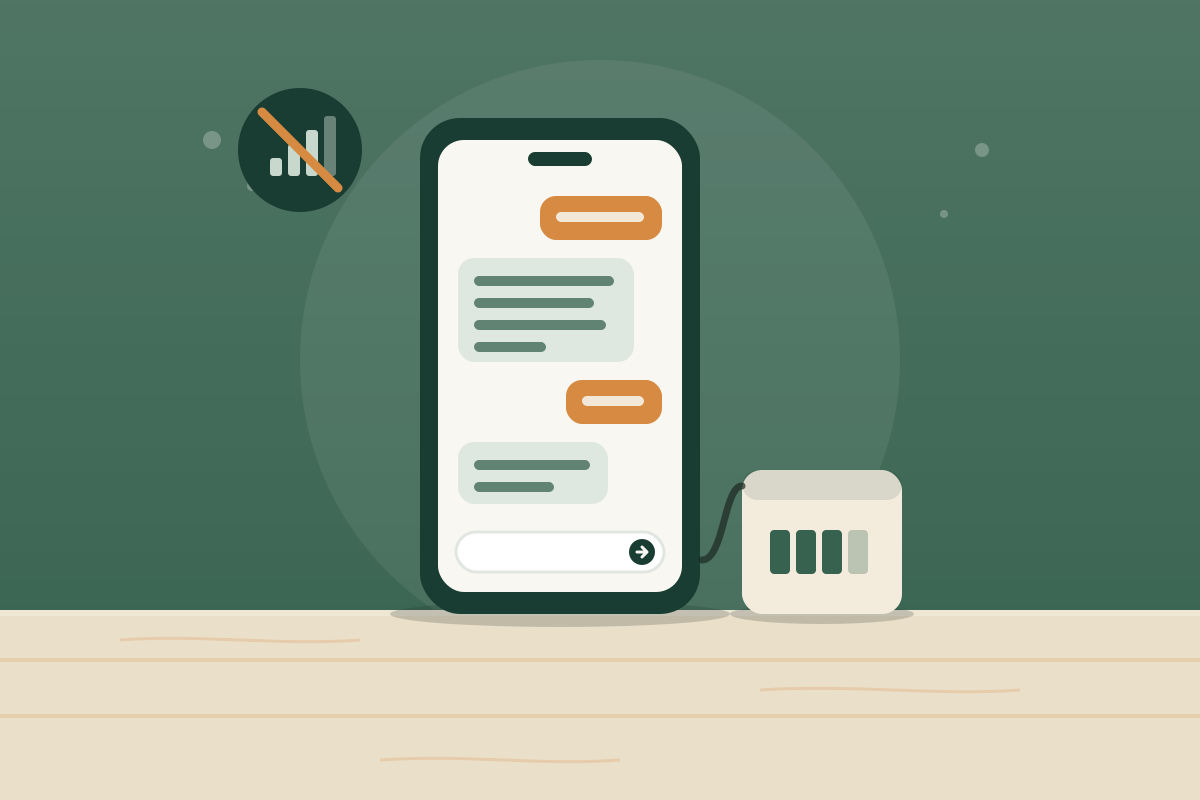
On this page
Key takeaways
- PocketPal AI is a free, open-source app for iPhone, iPad, and Android that runs AI language models entirely on your phone.
- Once a model is downloaded, chats work with no internet connection and no account, so it keeps working when cell networks are down.
- Small models (about 1 to 4 billion parameters) are the practical choice for most phones; bigger models need more memory and drain the battery faster.
- Offline AI is good for explaining, planning, and brainstorming, but small models make confident mistakes. Never rely on one for medication doses, water treatment ratios, or electrical work.
- Set it up and test it in airplane mode now, while you have internet, and keep a power bank so the phone outlasts the outage.
When the power is out and cell towers are down or overloaded, your phone loses most of what makes it useful. Search engines, chatbots, and how-to videos all need a connection. An offline AI assistant is one way to keep some of that help in your pocket.
PocketPal AI is a free, open-source app for iPhone, iPad, and Android that runs AI language models directly on your phone. Once you've downloaded a model, it answers questions with no internet, no account, and no server involved. This guide covers how to set it up, which model to choose, how to make it last on battery, and, just as important, where offline AI helps and where it can steer you wrong.
$0
the app, models, and voices are free and open source
0 bars
needed once a model is downloaded to your phone
1–3 GB
typical download for a small model that fits most phones
What PocketPal AI is (and isn't)
PocketPal runs "small language models," compact versions of the kind of AI behind popular chatbots. Instead of sending your question to a data center, the model runs on your phone's own processor. The project lists support for popular open model families, including Gemma, Qwen, Phi, and Llama, in the common GGUF file format.
What it does well offline:
- Chat with a downloaded model, with no connection.
- Voice input using on-device speech recognition, so you can talk instead of type.
- Read answers aloud with on-device voices, helpful in the dark or with your hands busy.
- Custom assistants ("Pals") with their own instructions, so you can set up a calm, preparedness-focused helper ahead of time.
What it is not:
- Not a source of live information. It can't tell you about today's weather warnings, road closures, or shelter openings. A NOAA weather radio does that.
- Not a reference library. A small model works from what it learned during training, compressed into a few gigabytes. It doesn't "look things up," and it can misremember.
- Not a medical, legal, or electrical authority. More on that below.
How to set it up before you need it
Do this now, while you have Wi-Fi and power. You can't download a model during an outage.
- Install the app. Search for "PocketPal AI" in the Apple App Store or Google Play. It's free.
- Download a model. Open the menu (☰), go to Models, and pick one the app marks as fitting your phone. Download it over Wi-Fi.
- Load it and test. Tap Load, then ask a few questions.
- Test it offline. Turn on airplane mode, close and reopen the app, load the model, and ask again. If it answers, it's ready.
- Set up a preparedness Pal (optional). Create a custom assistant with instructions like the example below, so it answers briefly and flags safety issues.
Choosing a model
Model size is a tradeoff between quality, speed, storage, and battery.
| Model size | Typical download | Works well on | Tradeoffs |
|---|---|---|---|
| About 1 billion parameters | Under 1 GB | Phones with 6 GB of RAM or more | Fast and light, but makes more mistakes |
| About 2 to 4 billion parameters | About 1.5 to 3 GB | Flagship and recent mid-range phones | The best balance for emergency use |
| About 7 to 8 billion parameters | About 4 to 5 GB | High-end phones with lots of memory | Better answers, but slower, hotter, and hungrier for battery |
These are rough ranges for the compressed ("quantized") versions phones use. Start with what the app recommends for your phone, then try a second model and compare. PocketPal includes a benchmark tool that shows how fast each model runs on your device.
Where offline AI actually helps
Used well, a pocket AI is like a patient, knowledgeable friend who never needs signal. Good uses during an outage or after a disaster:
- Planning with what you have. "We have rice, canned beans, tuna, and a camp stove. What can we make for four people over three days?"
- Explaining things in plain language. What a boil-water advisory means, how a generator transfer switch works, or why a freezer stays cold longer when it's full.
- Organizing your thoughts. Turning a jumble of worries into a short to-do list for the next 24 hours.
- Writing. Drafting a short check-in text to family, a note for a neighbor, or a list for an insurance claim.
- Basic math and conversions. Ounces to liters, how long a battery might last, or splitting supplies fairly.
- Keeping kids calm. Making up a bedtime story or a simple game when screens and power are limited.
Where it can mislead you
Small models are impressive, but they share a serious weakness: when they don't know something, they often produce a confident, plausible answer anyway. In an emergency, a wrong answer that sounds right is worse than no answer.
A good rule: use the AI to understand and plan, then confirm anything safety-critical against a trusted source. That means a printed manual, an official guide you saved earlier, or an offline library on a computer such as Lastbook.
Make it last on battery
Running an AI model is one of the most demanding things a phone can do. It works the processor hard, uses more battery than everyday apps, and can make the phone warm.
- Ask short, specific questions and ask for short answers.
- Unload the model when you're done. PocketPal keeps the screen awake while it's generating, then lets it sleep when idle.
- Turn on low power mode and lower screen brightness.
- Use airplane mode when there's no signal. A phone searching for a tower drains quickly.
- Keep a charged power bank. Ready.gov's basic kit includes a cell phone with chargers and a backup battery. For longer outages, see power stations vs. generators.
Pair it with offline references
An AI assistant works best alongside sources that don't make things up:
- Offline Wikipedia on your phone. The free Kiwix app lets you download Wikipedia and other reference collections to read without internet.
- An offline library on your computer. Lastbook puts survival manuals, videos, encyclopedias, and an offline map of your state on a laptop or desktop.
- Paper. Your family communication plan, a first aid guide, and key phone numbers should exist on paper, because every device can break, get wet, or run flat.
Offline AI setup checklist
0 of 6
Next steps
Set it up this week while you have power and Wi-Fi, and test it in airplane mode. Then make sure your phone can stay charged and that the safety-critical information you'd need is saved somewhere you trust.
Frequently asked questions
Does PocketPal AI work without internet?
Yes. You need internet once to install the app and download a model. After that, chatting runs entirely on your phone. Online features such as web search are optional and off unless you turn them on.
Is PocketPal AI free?
Yes. The app, models, voices, and tools are free and the code is open source under the MIT license. The App Store and Google Play versions offer an optional one-time purchase, PocketPal Plus, for hands-free voice conversation and a local API server. You don't need it for emergency use.
Which model should I download?
Start with a small, recent model from the app's built-in list that it marks as fitting your phone. Models of roughly 1 to 4 billion parameters usually download as 1 to 3 GB files and run well on flagship and recent mid-range phones; PocketPal's store listing says older or budget phones may not cope. Try two models and keep the one that answers your test questions best.
Can an offline AI replace a first aid manual?
No. Small models can sound confident while being wrong, and they can't see the injury in front of you. Keep a printed first aid guide in your kit, take a first aid class, and call 911 when you can. Use the AI only for general explanations and to help you think.
How much battery does it use?
Running a model is one of the most demanding things a phone does, so it uses noticeably more battery than texting and the phone may get warm. Ask short questions, unload the model when you're done, and keep a charged power bank.
Are my chats private?
According to the developer, prompts and responses stay on your device unless you turn on an online feature such as web search or a remote server. The app may still connect for things like model downloads when a connection is available.
Corrections
- : Corrected which phones run models well: PocketPal's store listing says 6 GB+ of RAM, and older or budget phones may not cope. We previously said most phones, including older ones.
Sources
- PocketPal AI (README and documentation) — PocketPal AI on GitHub
- PocketPal AI — Apple App Store
- PocketPal AI — Google Play
- Build a Kit — Ready.gov
- Kiwix — Kiwix
The Prep & Survive team researches, writes, and fact-checks every guide against current guidance from FEMA, Ready.gov, the CDC, the American Red Cross, and USDA food safety experts. We update articles when official recommendations change.
How we research and fact-checkGet one practical preparedness step every other week
Join The Ready Brief for checklists, seasonal reminders, and honest gear advice.